Loading..

Somfy® Automation

Key Features:

  • Quiet, Smooth Operation
    Our Zigbee Rev B and RTS motors are engineered for low-noise performance and consistent, smooth movement across a wide range of window sizes and shade styles.
  • Simple, Flexible Control
    Operate your shades بسهولة using the TaHoma app or a handheld remote, with customizable settings to match your routine and preferences.
  • Reliable Security & Feedback
    Zigbee Rev B technology provides real-time battery status and shade position updates, helping maintain privacy and peace of mind whether you’re home or away.
  • Smart Home Ready
    Easily integrates with leading voice assistants and home automation platforms for a scalable, future-ready smart home experience.

Available Window Treatments​

Design Options

Frequently Asked Somfy Questions

What is the range of products that can be motorized with Somfy Automation?

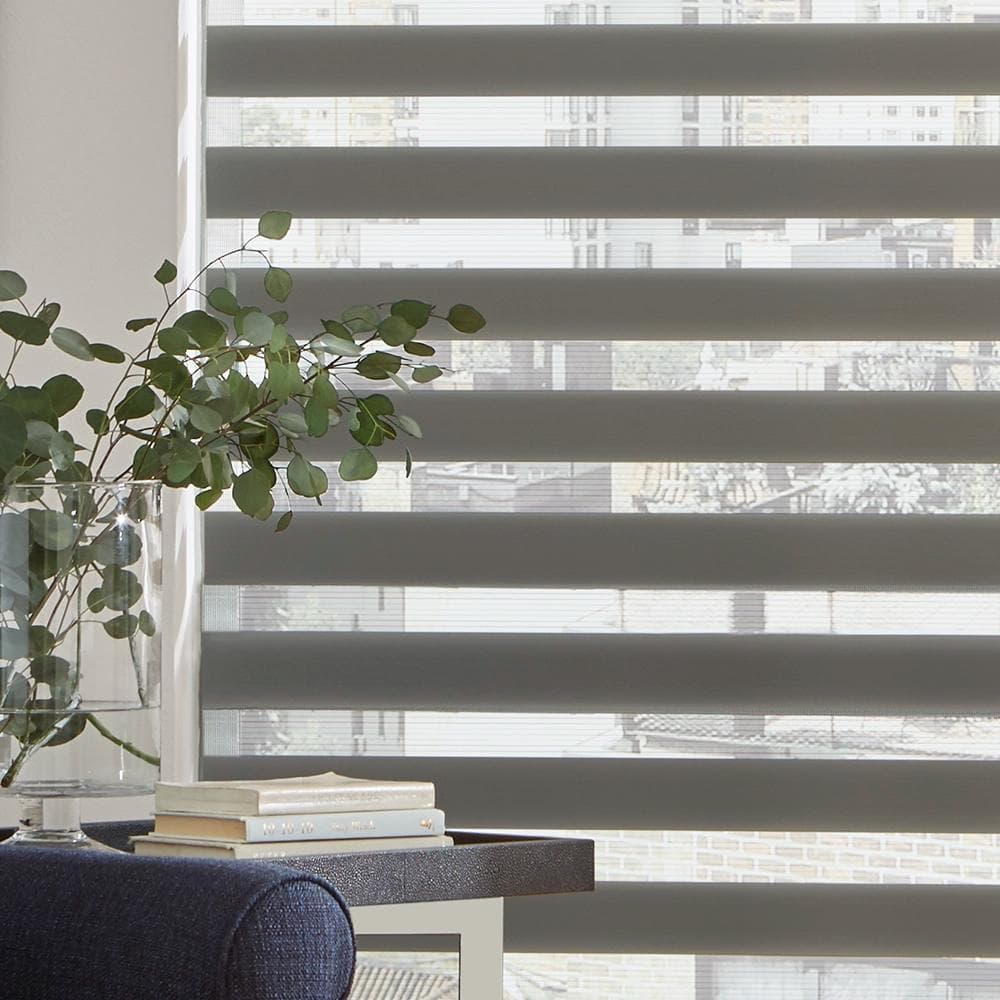
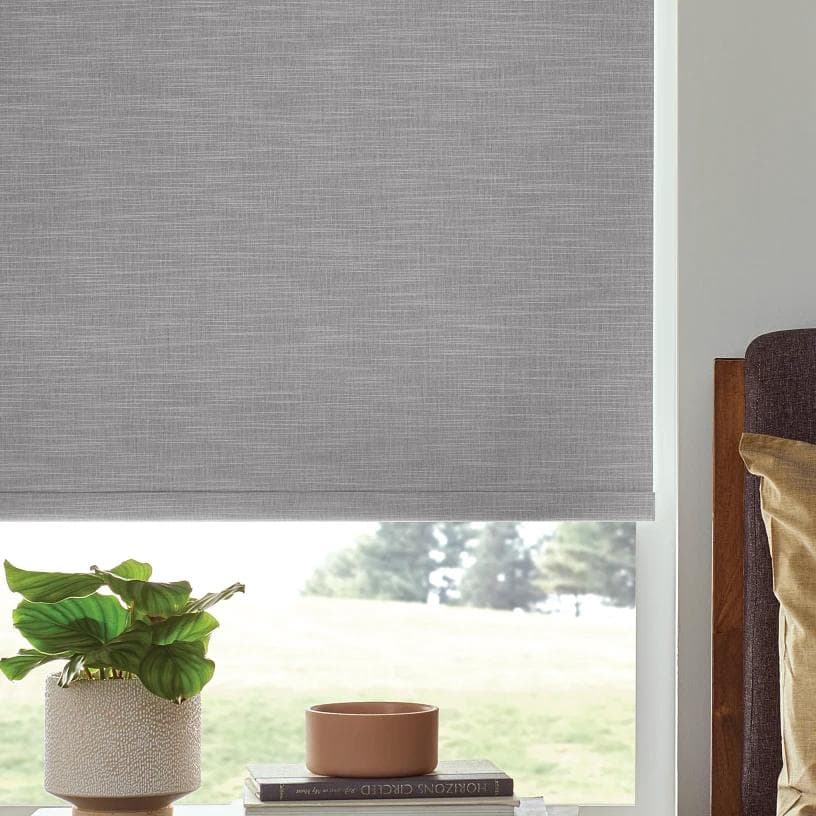
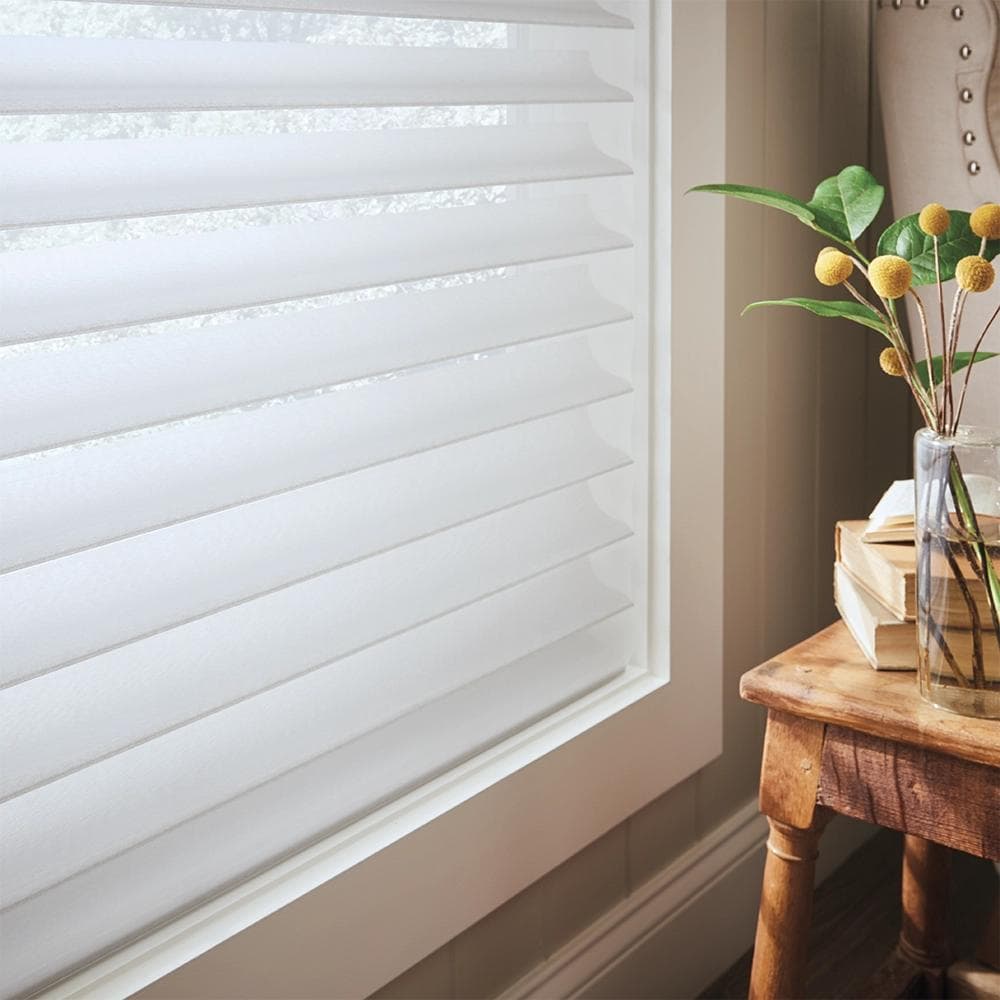
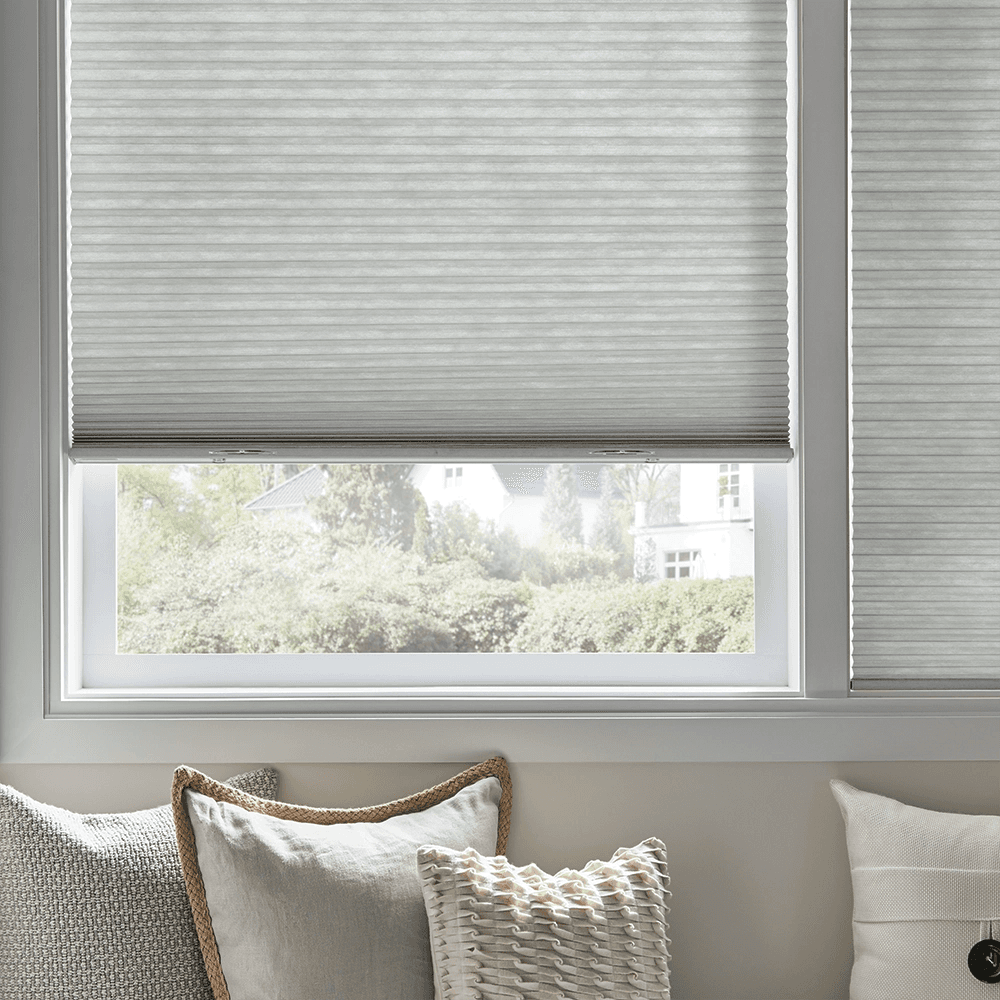
The Somfy Automation portfolio is a comprehensive range of motors for a variety of motorized window coverings, including Roller Shades, Honeycomb Shades, Sheer Shadings, Banded Shades, Natural Wovens, and Horizontal Tilt Blinds.

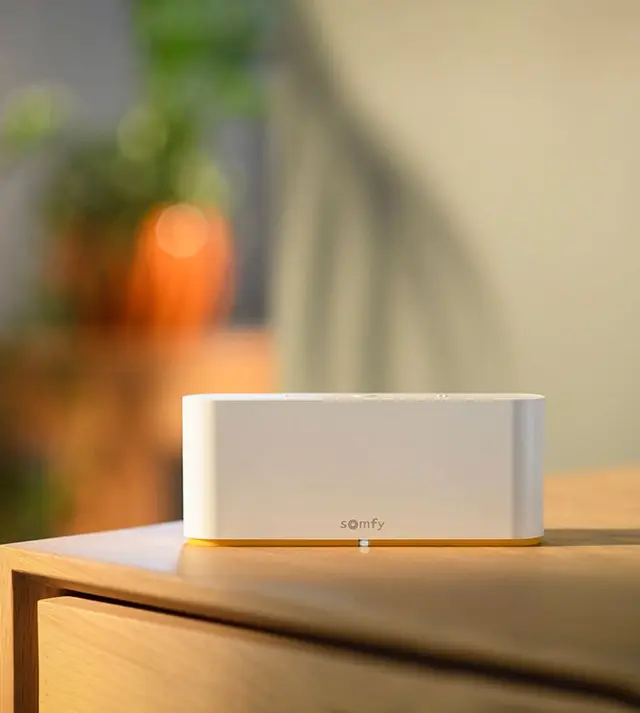
The TaHoma Bridge can be used for connecting to home automation in many applications as well via Wi-Fi.

Available on the App Store (iOS Version 15.0 or later)

Available on the Google Play (Android Version 8.0 and up)

The battery life will vary depending on the size of your window covering and the frequency of use. In general, users can expect approximately one year of operation for their WireFree Somfy motors. This estimate is based on one cycle per day use, with a cycle being the shade moving up once and down once.


The Zigbee alliance was designed for connecting devices in networks over very short distances with very low power consumption. Hundreds of brands are currently members of this alliance. A main benefit of Zigbee is its mesh network topology, which enables bi-directional communication for real-time shade and battery feedback.

Both Somfy RTS and Somfy Zigbee can be used in the same location along with a TaHoma RTS/Zigbee Bridge. Somfy RTS remote controls cannot be used to control Somfy Zigbee motors.

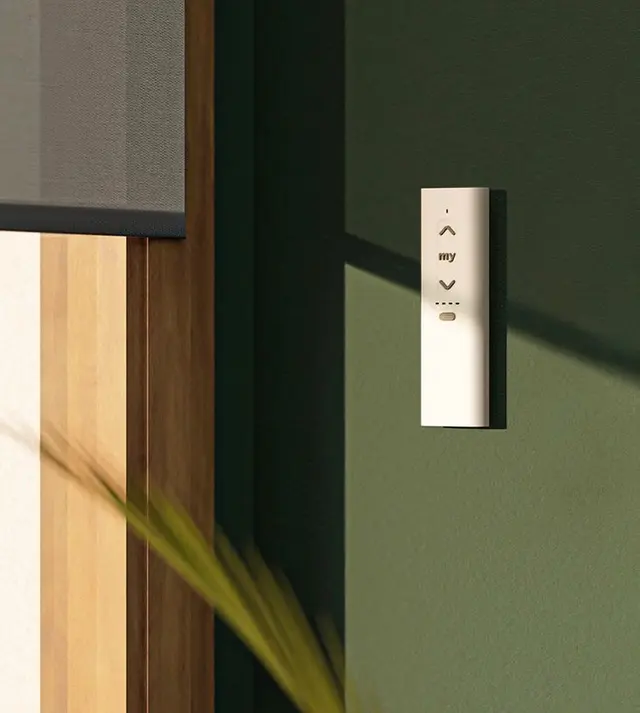
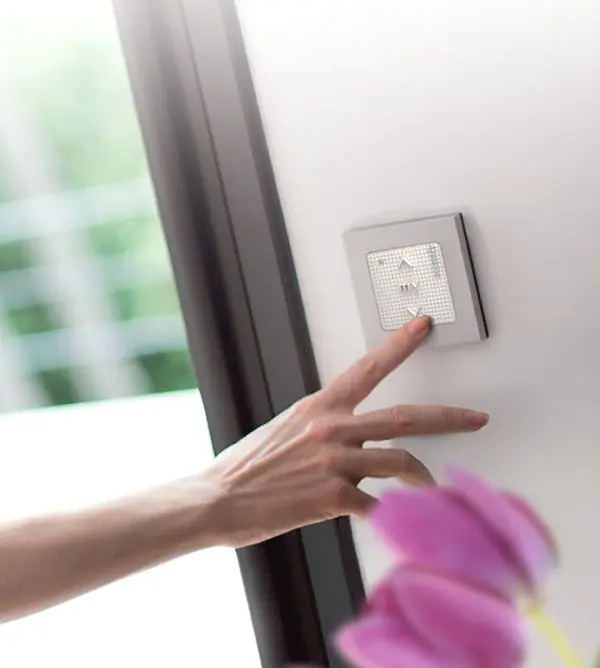
Whether you want to use a wall switch, an app, voice control or a hand-held remote, Somfy has a control option for you. You can use any combination of Somfy RTS controls. Mix and match remotes, wall switches, timers and sensors for up to 12 devices or channels per window covering.


With Radio Technology Somfy (RTS) motors or Zigbee, you can integrate with many popular smart home systems like: Savant, Crestron, Control4, Leviton, RTA, AMX, ELAN, URC, Wink, Vantage, Nexia, SmartThings, Amazon Alexa and more.


Yes, visit our Alta Window Fashions YouTube channel, here, for Somfy Automation How-To videos.


Yes, visit our Automation Programming Guides page, here, for a full list of instructions.

There are five main power options for Somfy motorized window coverings:

Reloadable Battery Wand – In this option, the motor is powered by lithium batteries. A 12V battery tube containing 8 AA lithium batteries is mounted either horizontally or vertically inside the window frame behind your motorized window covering. There is no need for an electrician to wire your motorized shades. Dual wands are also available.

WireFree™ Rechargeable Battery Power – In this option, the motor is powered by a rechargeable lithium-ion battery (external pack or built in motor). There’s no need for an electrician to wire your motorized shades, which minimizes installation time and cost.

Plug-In Power (DC) – With this power option, the motor plugs directly into a standard outlet. This is a good option for windows located close to an outlet or power source. The benefit of plug-in power is that it allows for maintenance-free operation. No need to worry about changing batteries!

Wired Power (AC) – In this option, the motor is typically hardwired into the home or building’s electrical system. This system of power could work for any home but does typically require the use of an electrician. The major benefit, however, is the maintenance-free operation of your motorized product.

Solar Panel Power – The WireFree Solar Pack offers an energy-efficient alternative for powering motorized products by harnessing renewable solar energy to power motorized window coverings. It is easy to install and does not require an electrician. Under ideal situations, the solar panel provides trickle charging to help keep the battery powered. Since it does provide a trickle charge, there is still the chance a charge from a plug in charger will be necessary. For more information on correct installation and the correct window types, please see the Solar Panel section of our Automation Guide.

  1. Close out the application, then try re-opening it.
  2. Perform your desired command in the app to check response.
  3. If there is still no response, uninstall, then re-install the Tahoma app.
  4. Once re-installed, open the app. Repeat step 2.

RTS (Radio Technology Somfy) is a radio technology that can communicate with motorized products reliably up to 20 feet and from up to 65 feet in optimal conditions. There is no need to point or aim the remote or control device at the window covering because RTS is omni-directional so the radio waves travel through walls. RTS technology works with a variety of Somfy controls including hand-held remotes, wall switches, the TaHoma app, voice control, and sensors.

Both Somfy RTS and Somfy Zigbee can be used in the same location along with a TaHoma RTS/Zigbee Gateway. Somfy RTS remote controls cannot be used to control Somfy Zigbee motors.

A channel is either associated with a single motorized window covering or a group of motorized window coverings. Depending on the type of control and technology being used, controls are available in single channel and/or multichannel versions.

Channels are used to organize motorized window coverings with their control counterpart(s). This could mean a hand-held remote or a wall switch with multiple channels to control Somfy powered products in whatever configuration needed.

Available on the App Store (iOS Version 15.0 or later)

Available on the Google Play (Android Version 8.0 and up)

Create your TaHoma pro account:
a. Click on <Create an account> on the app screen
b. Add user email for account creation
c. Refer to the TaHoma pro Account Setup for additional information.

The TaHoma Switch is the central hub that connects and controls the smart home ecosystem – powering the TaHoma app and giving end users complete control, no matter their preferred smart home ecosystem. Add Smart Plugs to extend the network even more!

The Somfy TaHoma Switch and Smart Plug have a range of up to 23ft.

Watch our Somfy Skylight Installation How-To video here.

Care & Cleaning

Our window coverings are easy to maintain. Regular dusting or wiping with a soft cloth keeps them looking clean. For light debris, a cool-air blow dryer can also be used.

Limited Lifetime Warranty

We stand behind our products. Our limited lifetime warranty covers defects in materials, mechanisms, workmanship, and proper operation.